Verbose
I think out loud: on the road, in the lift, half awake. Verbose turns each recording into a transcript and a rewritten note in Trilium, in the style I choose, and adds both to Brain HQ, the private memory my AI assistants read from.
It began as a phone app for voice notes (its first name was taken, so it is Verbose now, which fits: notes I speak, elaborated and refined). A note is transcribed on the phone, lands in Trilium, my notes app, and a local language model rewrites it for the audience and style I choose. Finished pieces feed Brain HQ, one private memory every assistant I use can draw on.
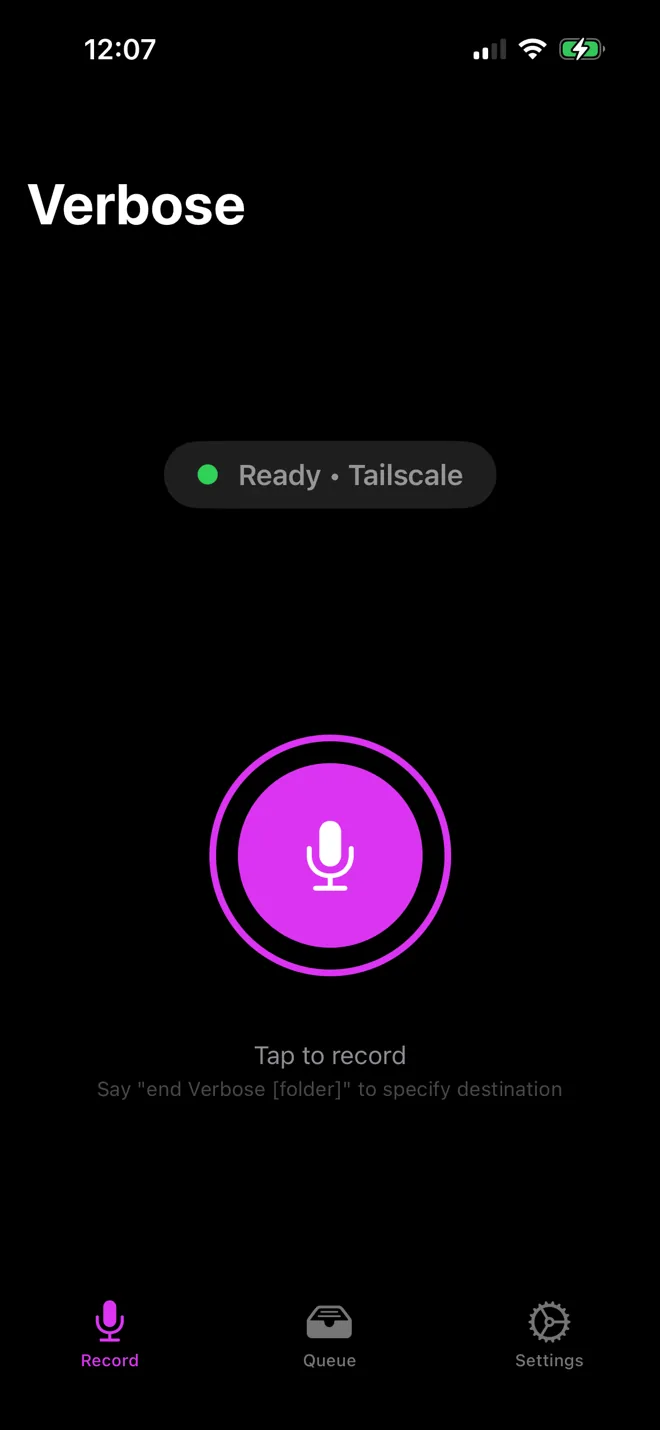
Tap to record; say “end Verbose journal”, or let silence stop it.
WhisperKit runs Whisper on the phone and turns the audio into words.
The raw transcript waits in the queue until it syncs.
It lands as a note in the folder you named.
A local model writes it up for the audience and style you chose, then files it in shared memory.
Record, queue, automate
Tap to record, and say where it goes as you finish: “end Verbose journal” files it in the journal. The green light means the phone can reach the computer through Tailscale. Silence can stop a recording on its own, notes sync as soon as they are transcribed, and each folder decides whether its notes get rewritten, for which audience, and in what style.
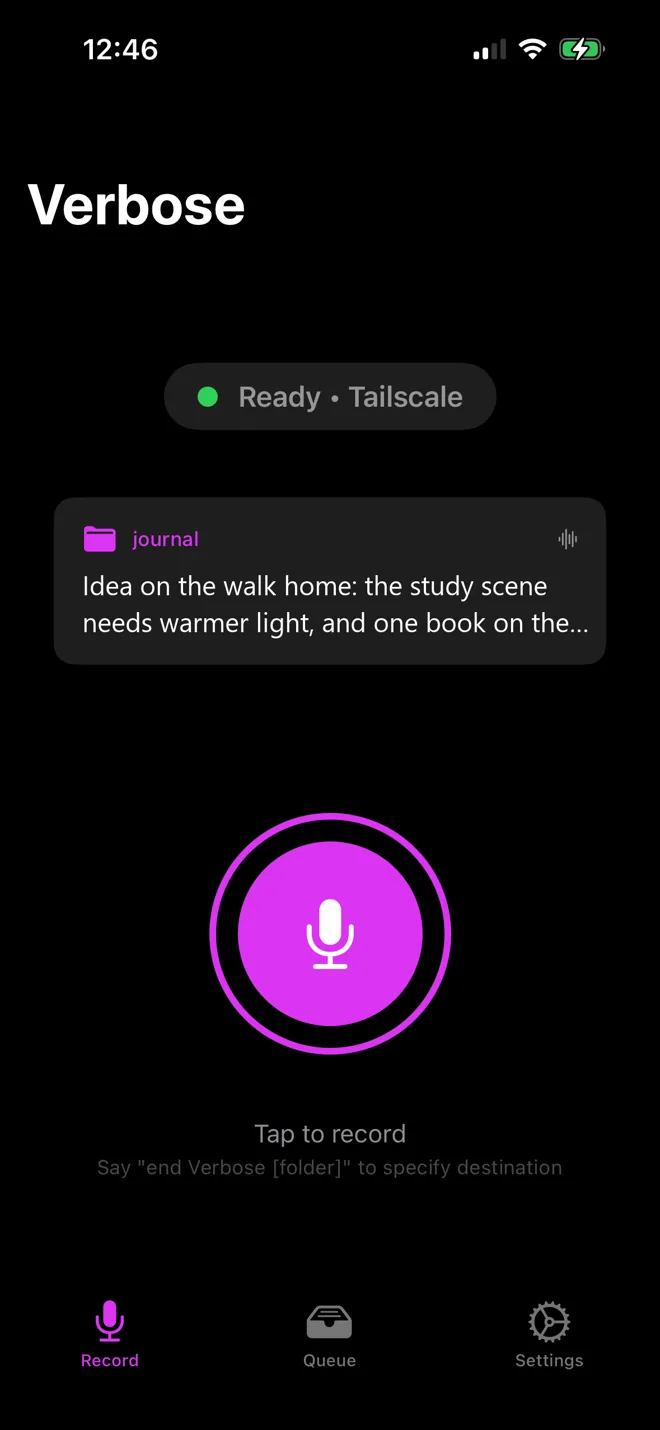
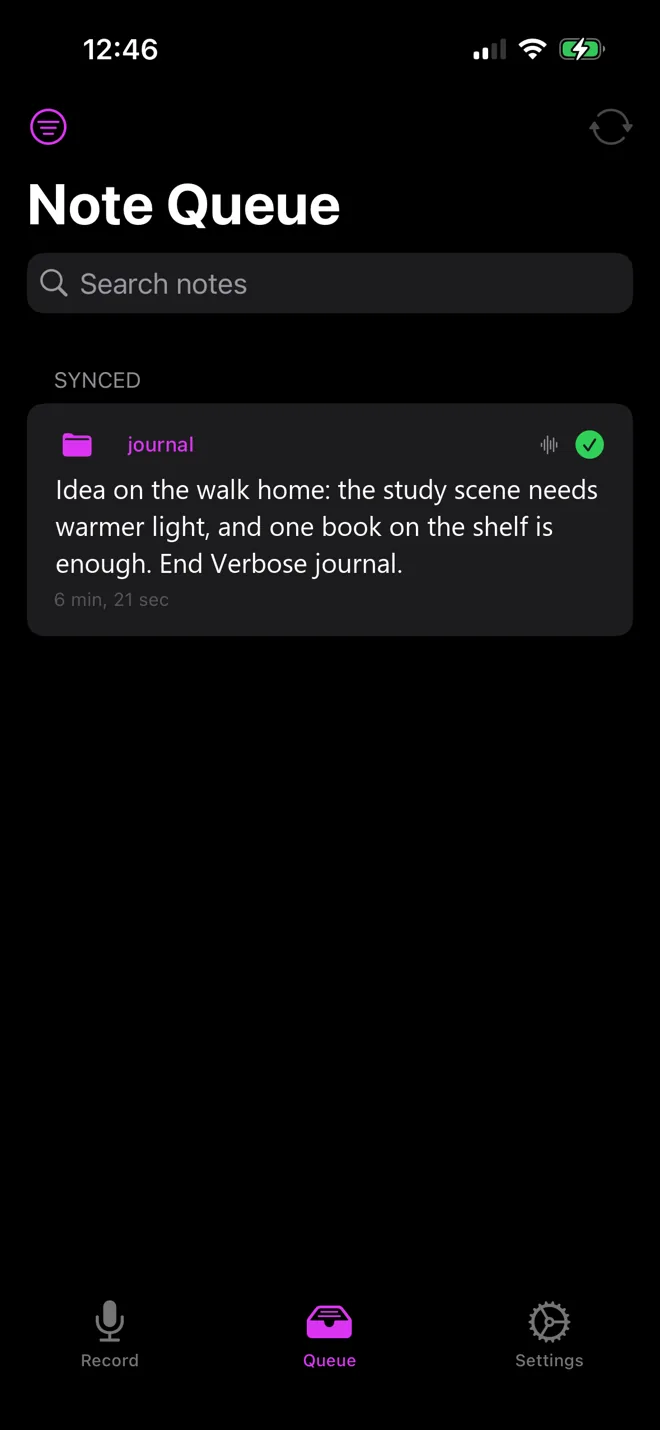
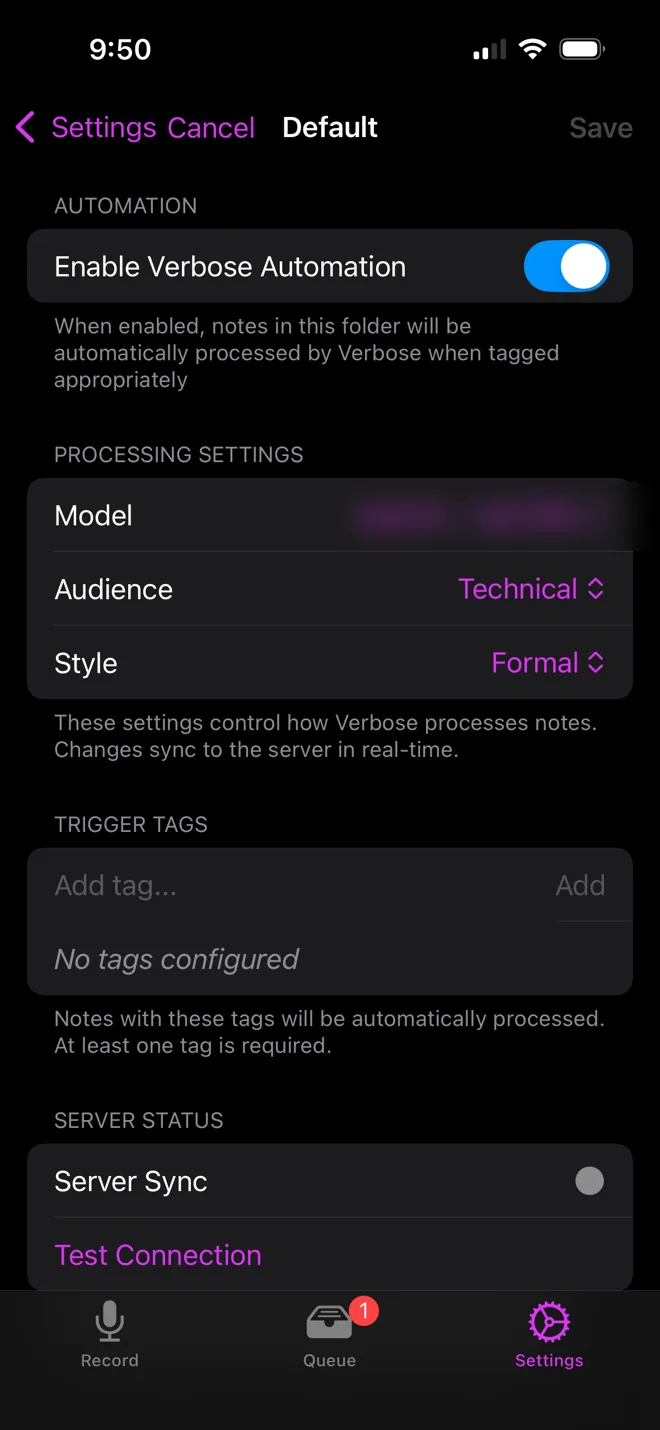
Screenshots from the app. Note text is a sample; the model name is blurred.
From failed to synced
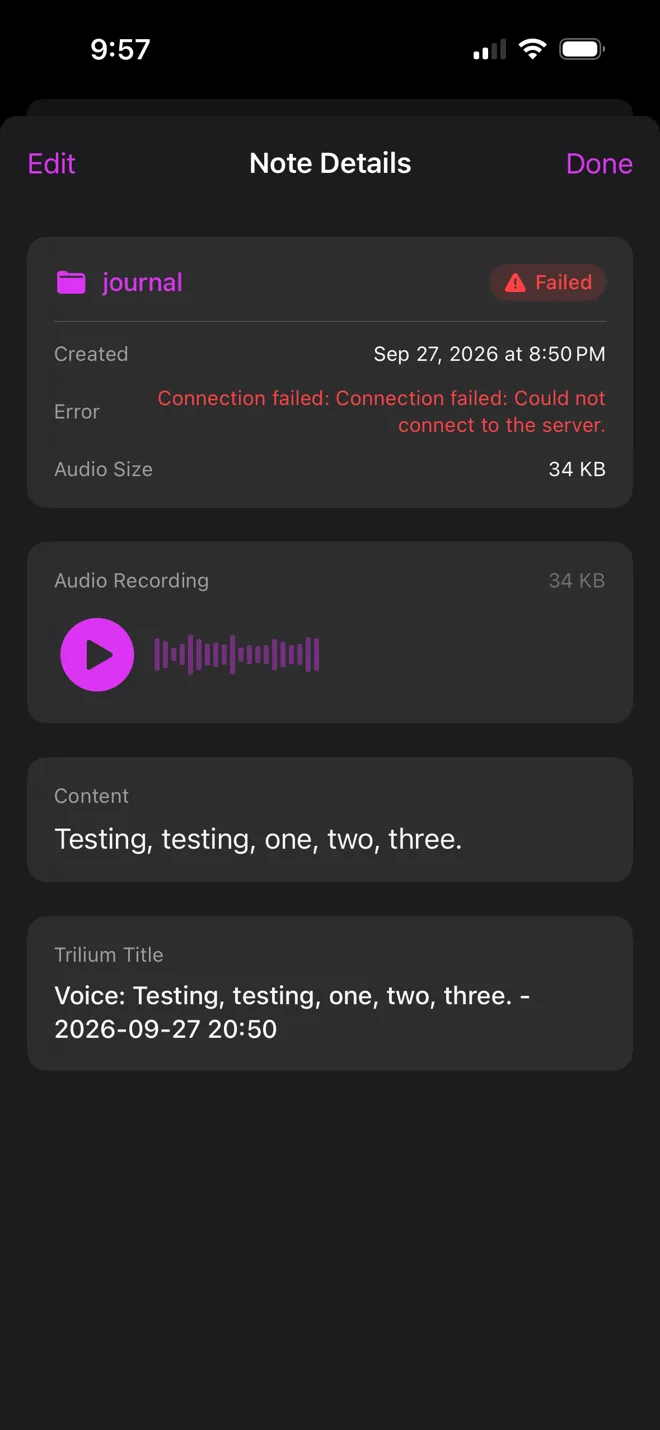
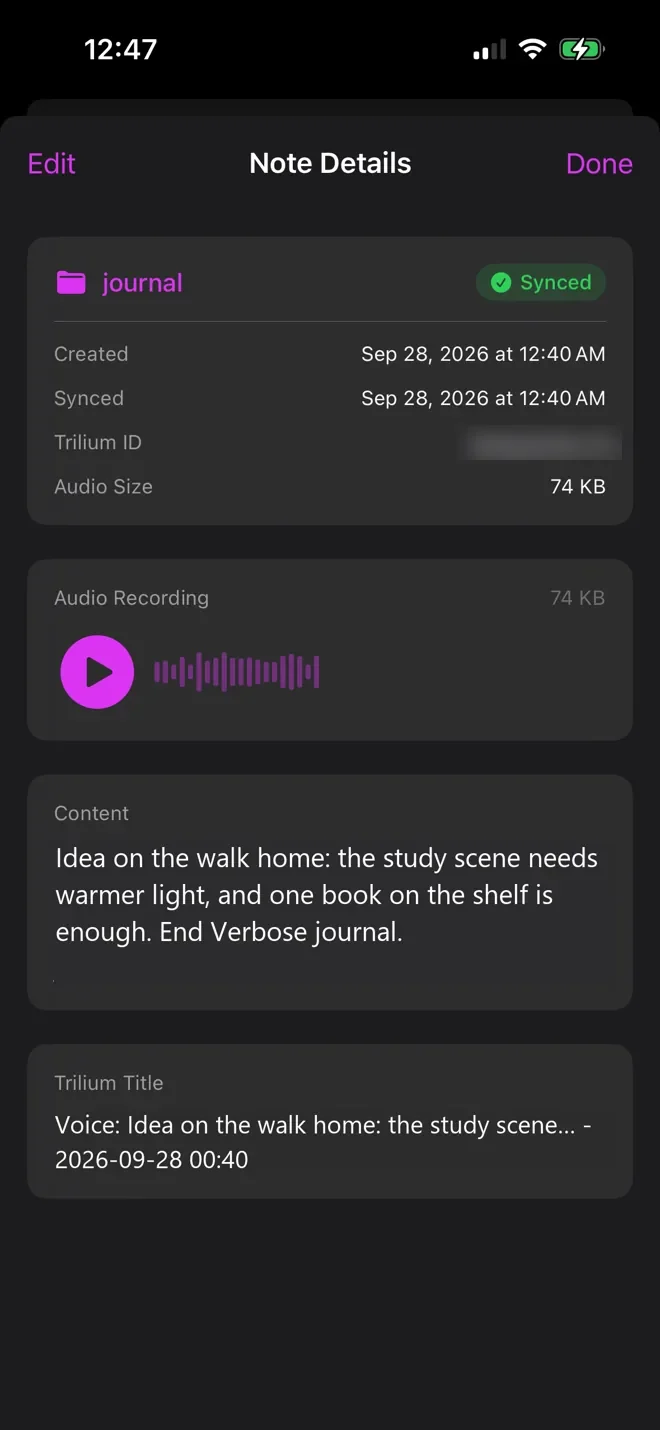
The app first reached my computer over home Wi-Fi only, by its local address. Now it goes through a private Tailscale network with encrypted addresses that only my own devices can open, so notes sync from anywhere with no ports open to the internet. The same test note, before and after the switch (the fix itself came down to a typo in the address).
Nothing lost, nothing to resend
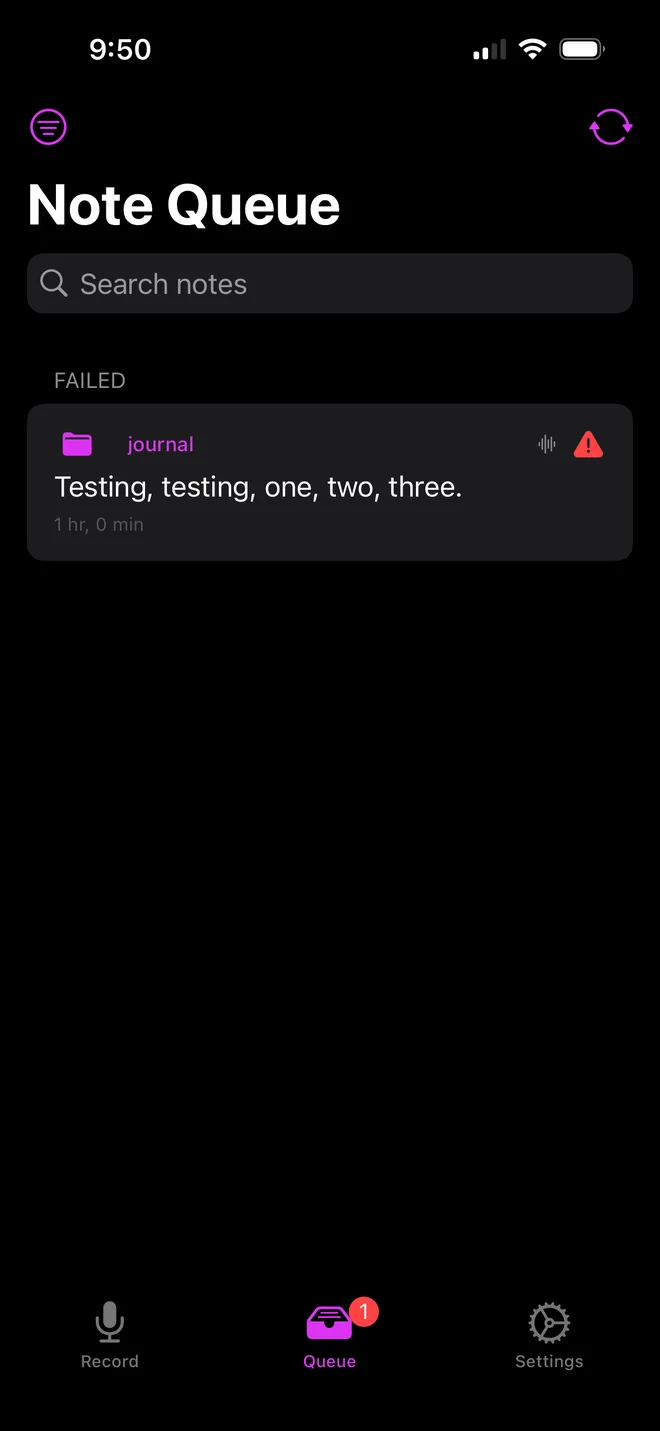
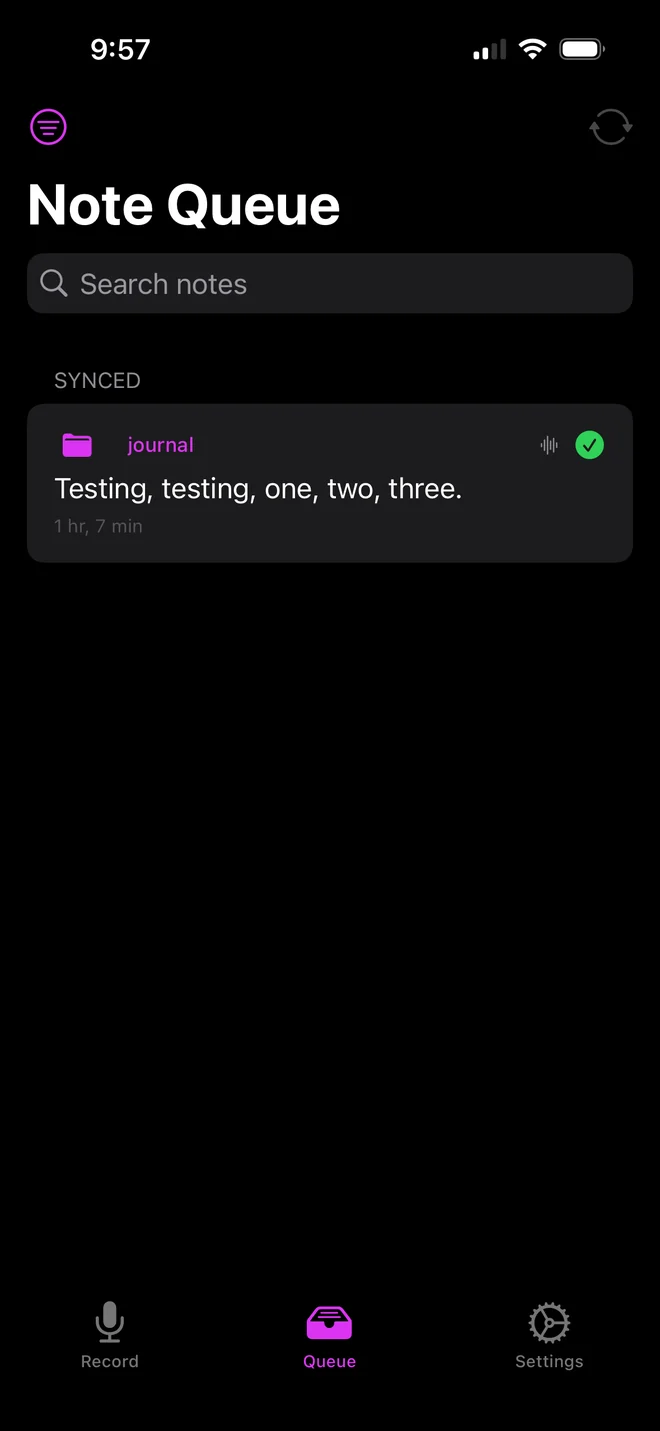
Every note waits in the queue until Trilium has it. If a sync fails, because the phone has no signal or the computer is asleep, the note stays in the queue marked Failed, and Verbose keeps retrying on its own. When the connection comes back, it goes through without a tap and moves to Synced.
The Verbose controls
Inside Trilium, any note can be sent through Verbose from a side panel: pick the folder it lands in, the model, the audience, and the style (a cultural critic, a narrator, a persuader), then press one button. Recent rewrites and the server's console sit underneath, so I can see what happened without leaving my notes.
Tag automation does the same for whole folders: tag a note and it is rewritten on its own.
▸ Tag automation
Recent rewrites · Server console
From the road, to the page
My first note recorded on the road, and what Verbose made of it. Real files, trimmed.
Right, this is my first attempt at using my app on the road. … I'm thinking about other ways that I can maybe optimize it, thinking about … how accessible it is. So wearables will make this the most optimal app. If I can particularly just tap a couple of times or click and hold … I should be able to click three times and have it trigger something or something of a sort.
The Agent in the Ear
Reflections on Wearables, AI Strategy, and the Art of Organized Learning
“Right,” is the word that has become a familiar anchor in my thinking. It is the starting point of my voice notes, a verbal nod to the moments when we pause to assess our trajectory. … Here's the thing: if I am to do my own programming, I should be able to click three times to trigger a specific function or a cascade of actions.
Rewrites can run long
A 75-word test note (“It seems like it records perfectly … let's see how this goes. End verbose.”) came back as a 935-word essay titled The Quiet Infrastructure of Thought, opening with a meditation on silence. It was a good reminder to give the rewriter a length budget, and to keep the original next to every rewrite.
The Quiet Infrastructure of Thought
There is a specific kind of silence that occurs not in the absence of sound, but in the presence of a well-tuned system…
Written as it happened
I built Verbose while using it, so the build log is the app's own output: voice notes recorded as each piece started working.
This is going to be recording from the get go, and then it's going to be added into Verbose, and Verbose is going to transcribe it automatically. So let's see how this goes.
We are in business.
I'm seeing live how fast this server is listening and how fast it's picking up everything.
I just wasted a whole bunch of hours because when I stepped out earlier today and I was on the elevator, I toggled off my Wi-Fi … and it's because I'm not on my local Wi-Fi.
You have to be really scrappy … you have to learn how to … zero in on the exact questions and progressions that you want.
The ultimate test: waking up and trying to capture dream thoughts automatically.
What changed lately
- Recording keeps going while earlier notes are still being sent, so no thought waits in line.Verbose
- The whole path works end to end: phone, notes app, rewrite, and back.Verbose
Tech stack
- SwiftUI - the phone app
- WhisperKit - Whisper (base.en) transcribing on the phone; Apple's speech recognizer listens only for the spoken stop command
- Tailscale Serve - the only way in: the server checks the caller's Tailscale login, with no ports open to the internet
- TypeScript, Express and SQLite - the Verbose server and its persistent job queue
- Trilium - the open-source notes app everything is filed into, with a custom side panel
- Python - Brain HQ, the shared memory
- Qwen, through llama-swap - the local model that does the rewriting