Gridworm
How can I arrange media on a grid, then use that grid to flow the pages and build a book?
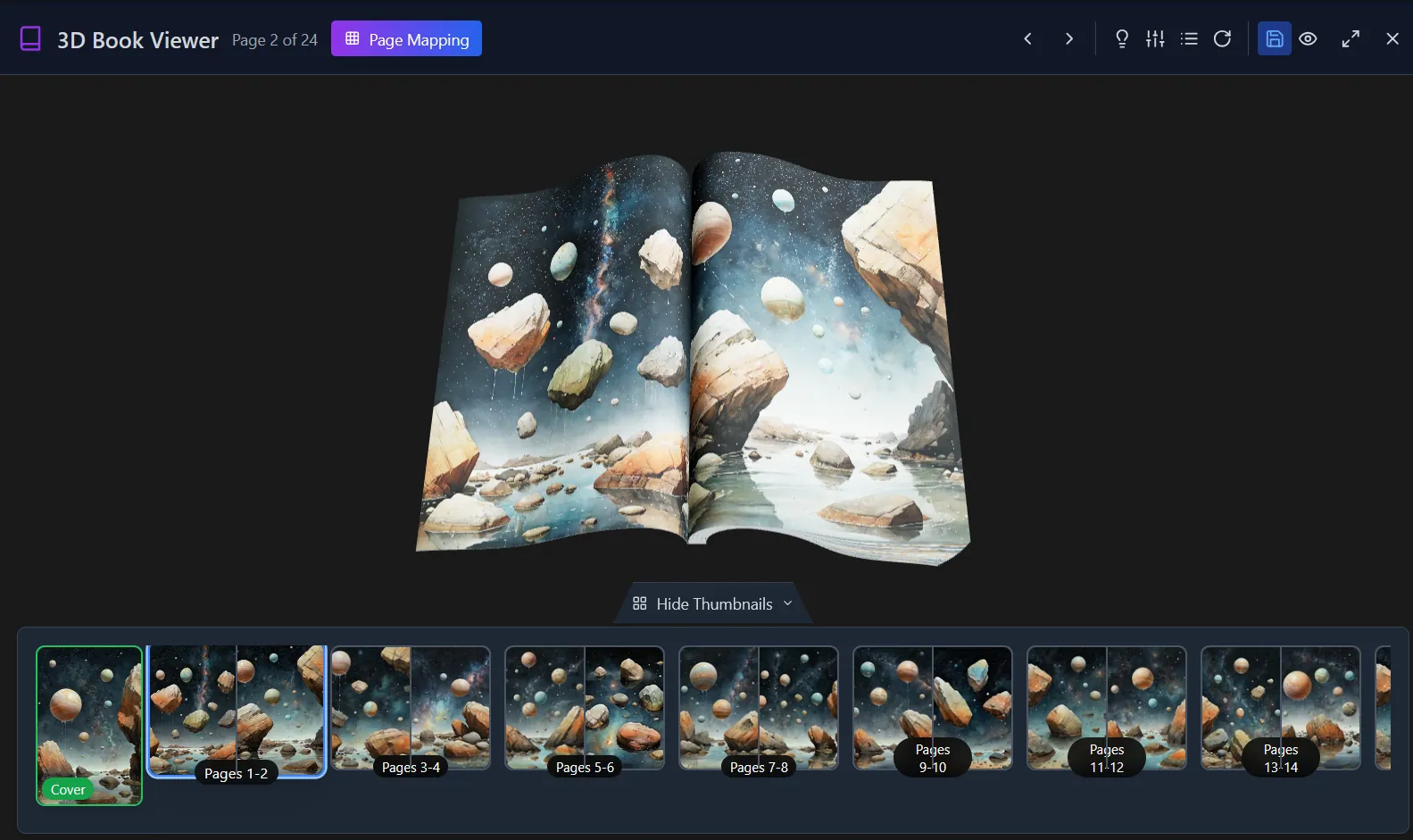
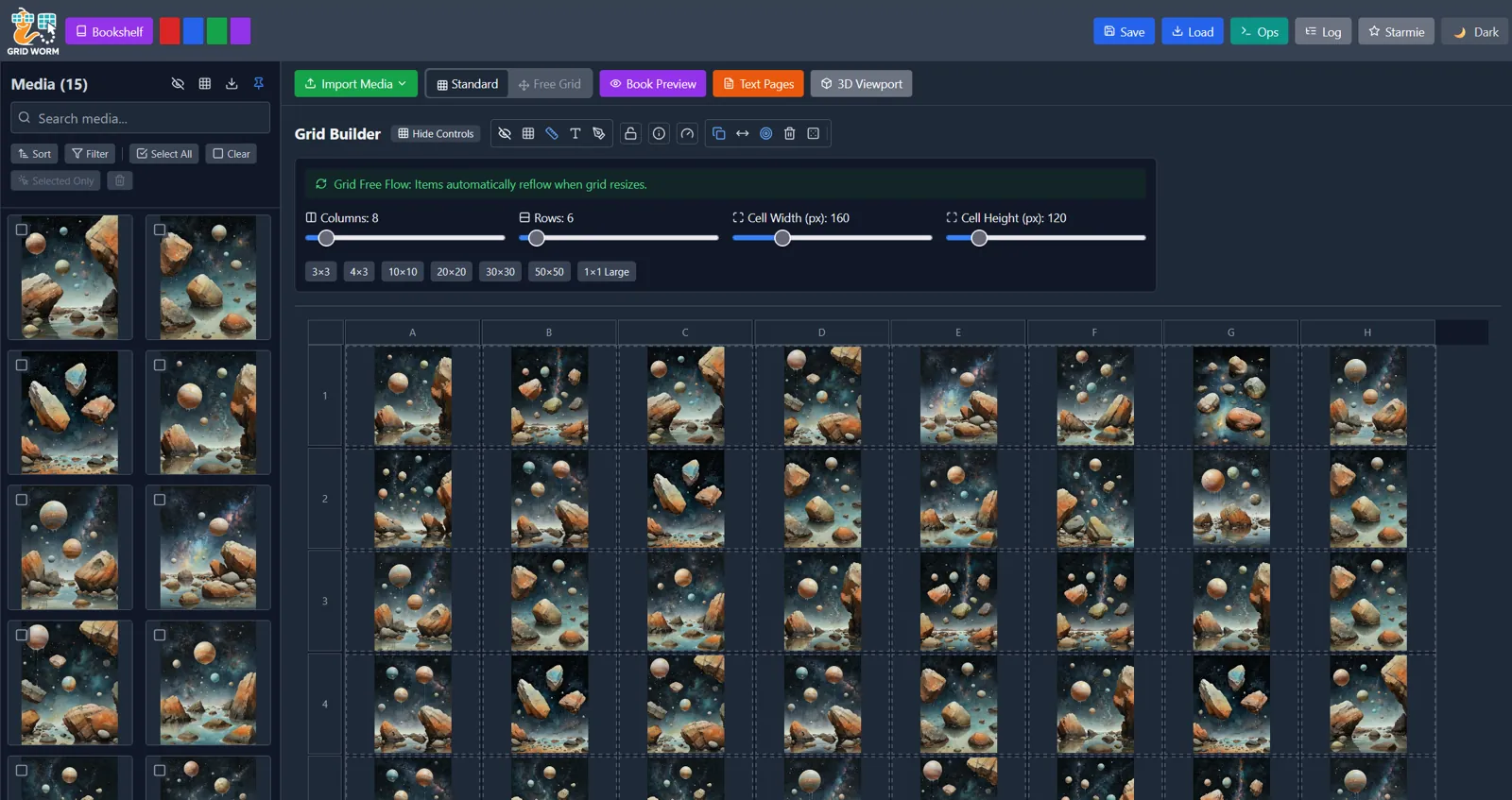
Gridworm grew out of the 3D book. Once the book worked, I wanted to look one layer deeper, at how a book gets built in the first place. Every new volume meant arranging dozens of pictures and clips by hand in a file, and I wanted to see them all at once, shuffle them like prints on a table, and have the book follow. So the grid became the table: drop media into cells, move them around, and the 3D book re-binds itself in that order, page by page.
I was studying Three.js at the time, and I wanted to see how much could run self-hosted, right in the browser, with no server doing the work.
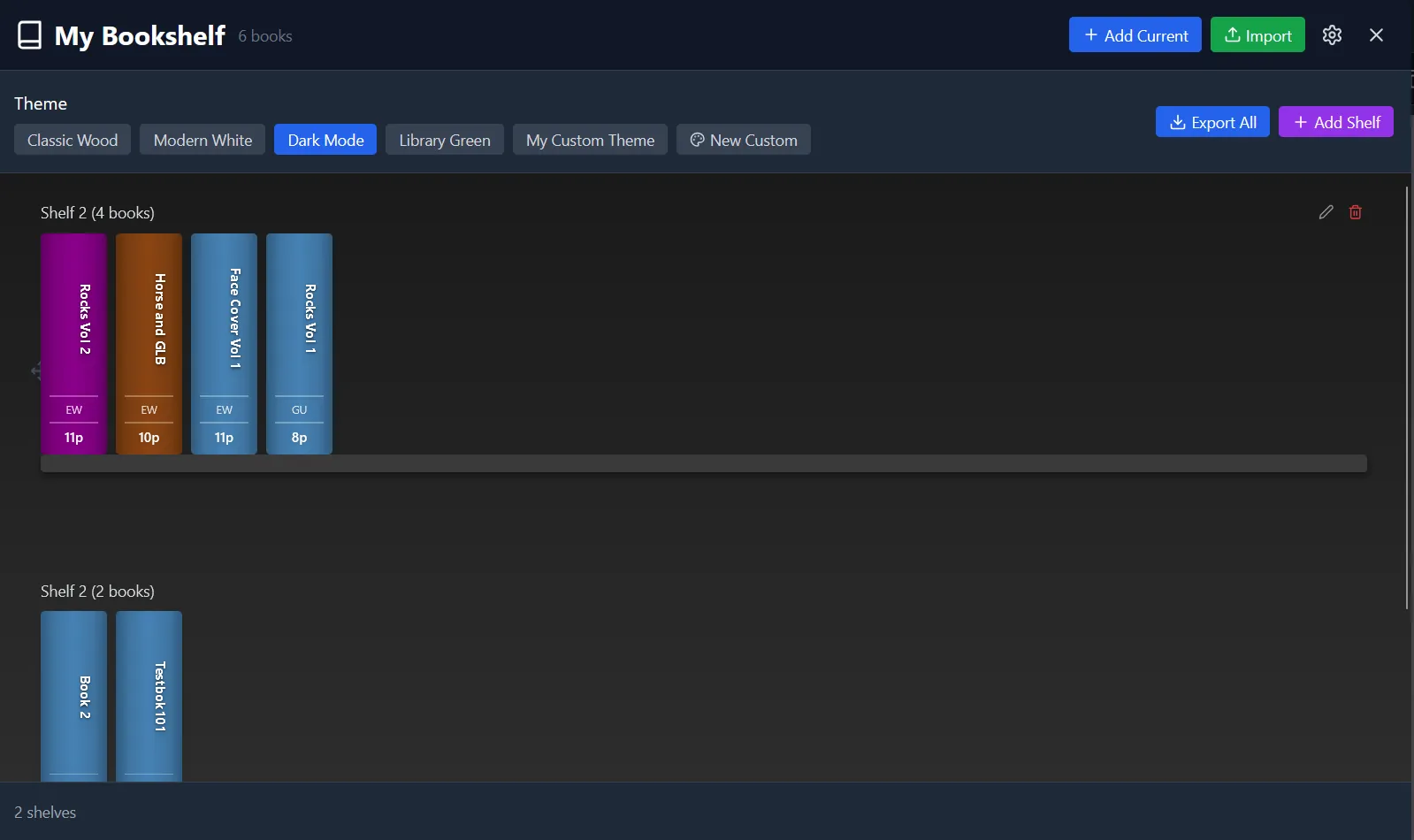
Then it kept growing. A free canvas for drawing and slicing artwork across artboards, a text page maker, a 3D room for arranging media in space, a bookshelf that keeps every book you make, and a spreadsheet-like workspace where cells took formulas, text, and media side by side. Most of that is gone now, and the page below says why.
Later I grafted on descIMG, a local image search that finds pictures by plain-language description, so a grid could be filled by asking for what you want. It worked, but it was feature bloat, and that graft now lives as its own experiment. The lesson stuck: set the scope of a project early, test as I go, know when a task is complete, and notice when the work starts drifting away from it.
Arranging mixed media, then publishing it as a book
- One place for every kind of media. Images, video, audio, PDFs (split into pages), text, CSV data, and 3D models, previewed live in the cells.
- Order is the content. A grid of cells you fill, reorder, nudge, or swap, like prints on a table.
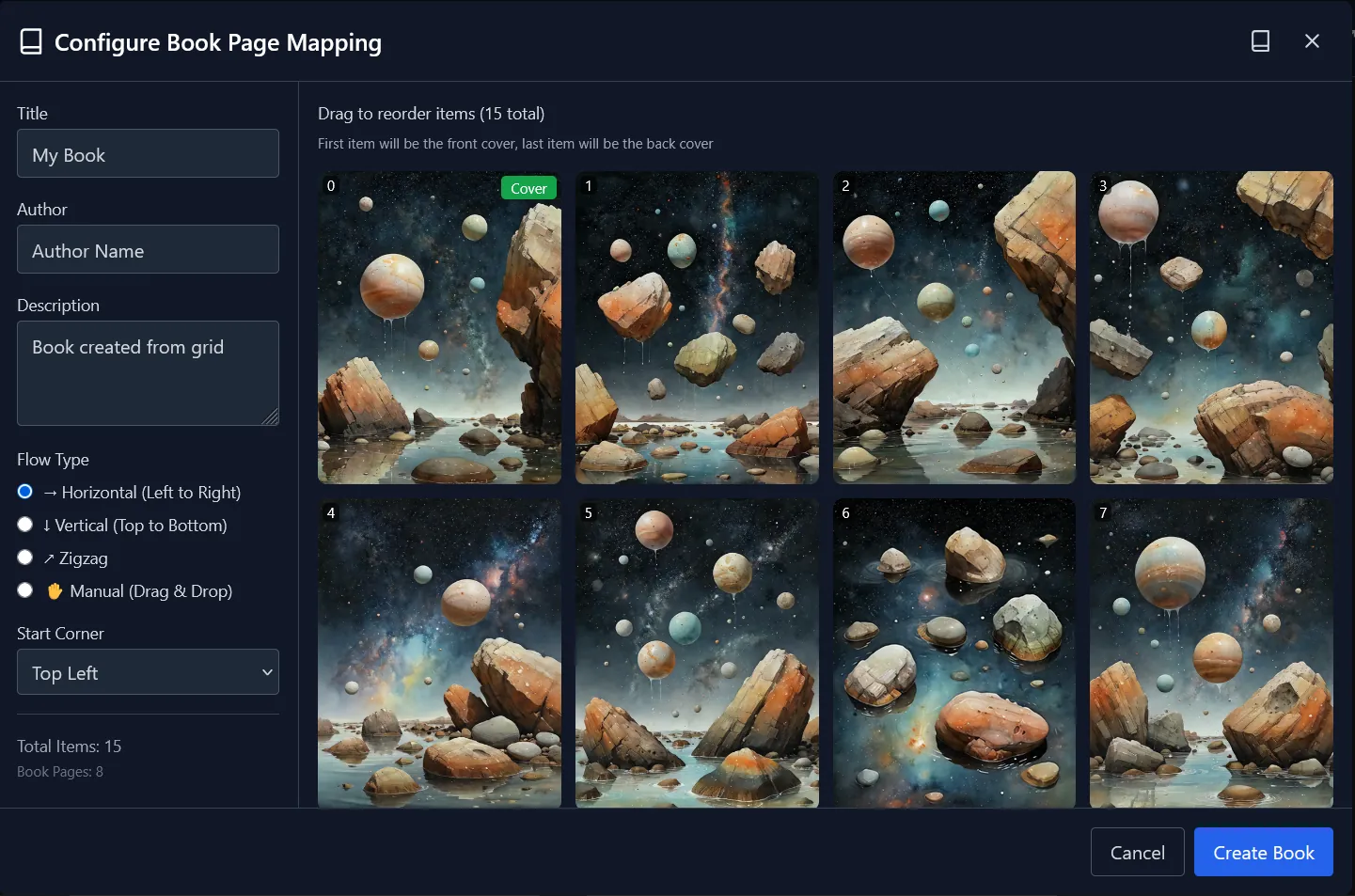
- The grid becomes a book. The 3D viewer turns the grid into a page-turning book, with page mapping, flow direction (across, down, zigzag), and cover settings.
- Nothing breaks when files move. Missing media becomes a placeholder and reconnects when the file comes back.
- Built for big collections. Thumbnails are made off the main thread, long lists only draw what is on screen, and projects are stored in the browser's own database rather than a server.
A book you can open right now
The book Gridworm binds is the same page-turning book that sits on the shelf in the Animated Bookshelf's study. The two started as one project and split in two: Gridworm arranges the pages, and the study is where you read them.
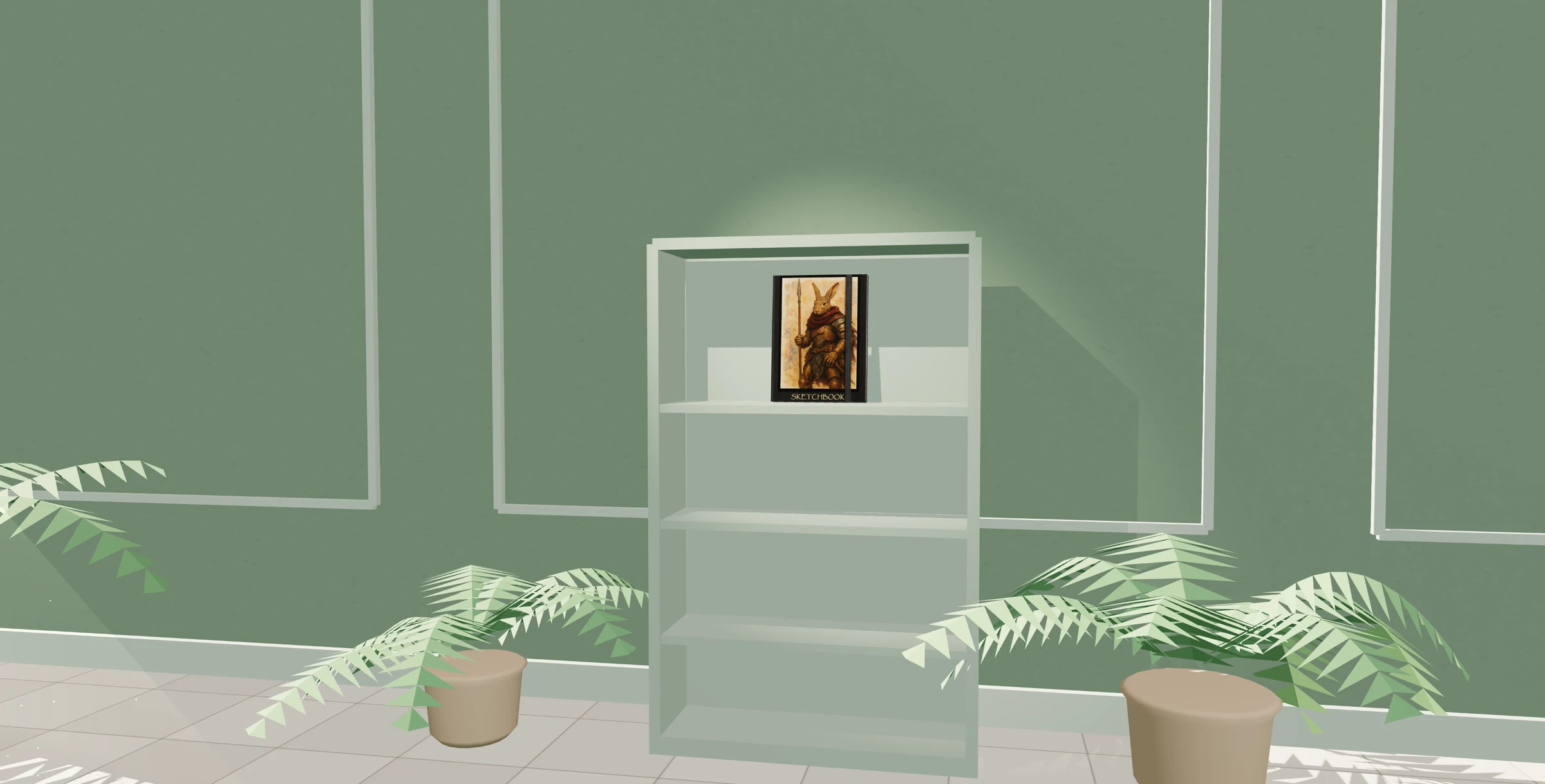 Open the book
Opens the study on the Animated Bookshelf page, where the sketchbook is ready to take down and read.
Four features I built, then cut
Every one of these worked. Every one of them also made Gridworm slower to open, harder to explain, and further from the job it was meant to do. So they went, in roughly the order I admitted it.
- The spreadsheet rules. Cell addresses like A1 and B2, a formula parser, three lock modes for what moves when the grid changes, scripting, print layouts. I was quietly building a spreadsheet inside a photo grid. The grid only ever needed to hold things in order.
- The 3D viewport. A room for laying media out in space and shooting new thumbnails from it. Blender already does this better than I ever would, and the viewport was the heaviest thing in the app.
- The free canvas. Artboards, layers, a pencil, a vector pen, a paint bucket. Krita, Figma, the Adobe suite, and Blender are all a click away. Gridworm did not need to be a fifth.
- Text Pages. A small word processor for pages of type in the book. Bloat, plainly. A text file dropped into a cell does the same job.
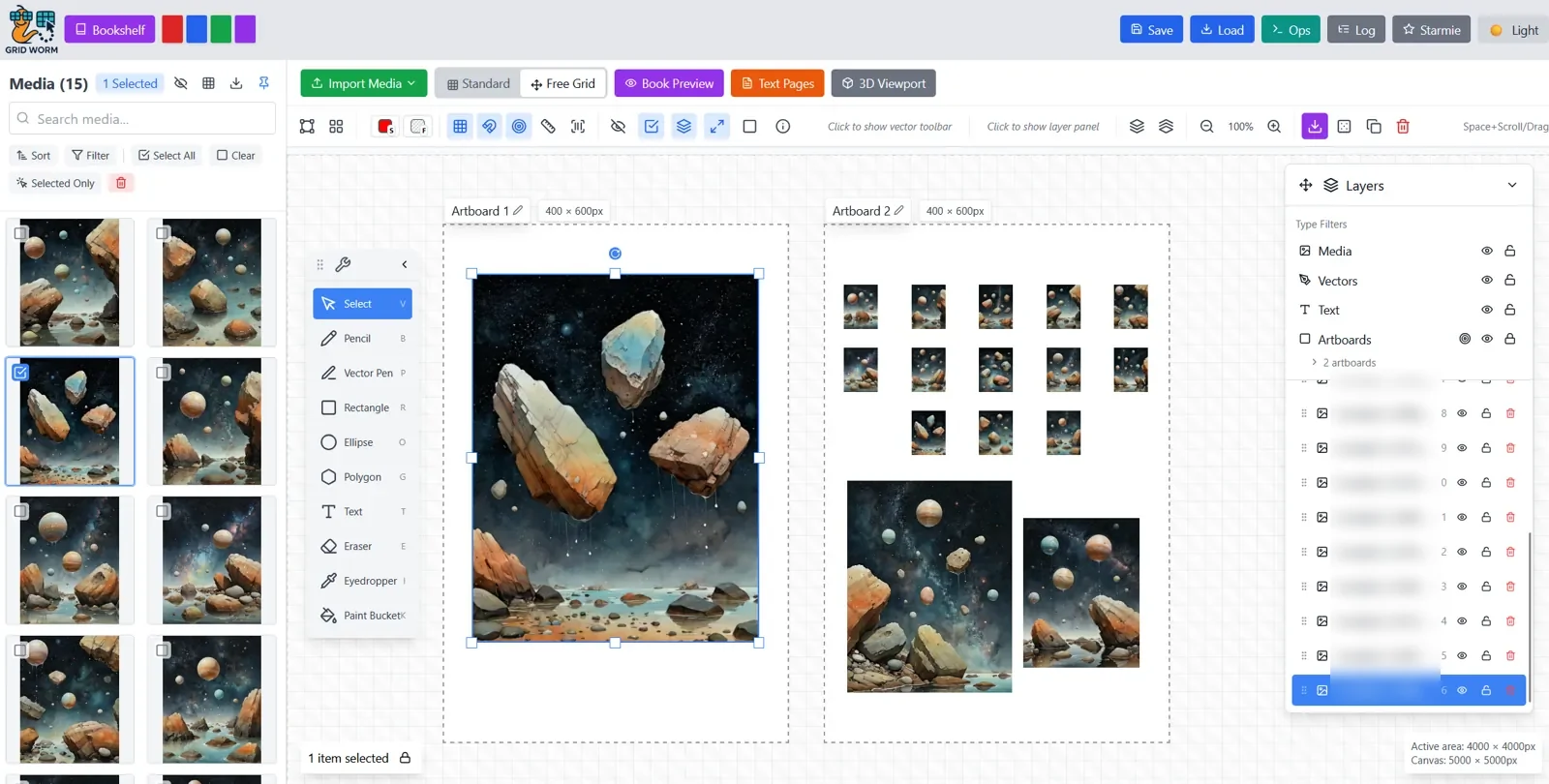
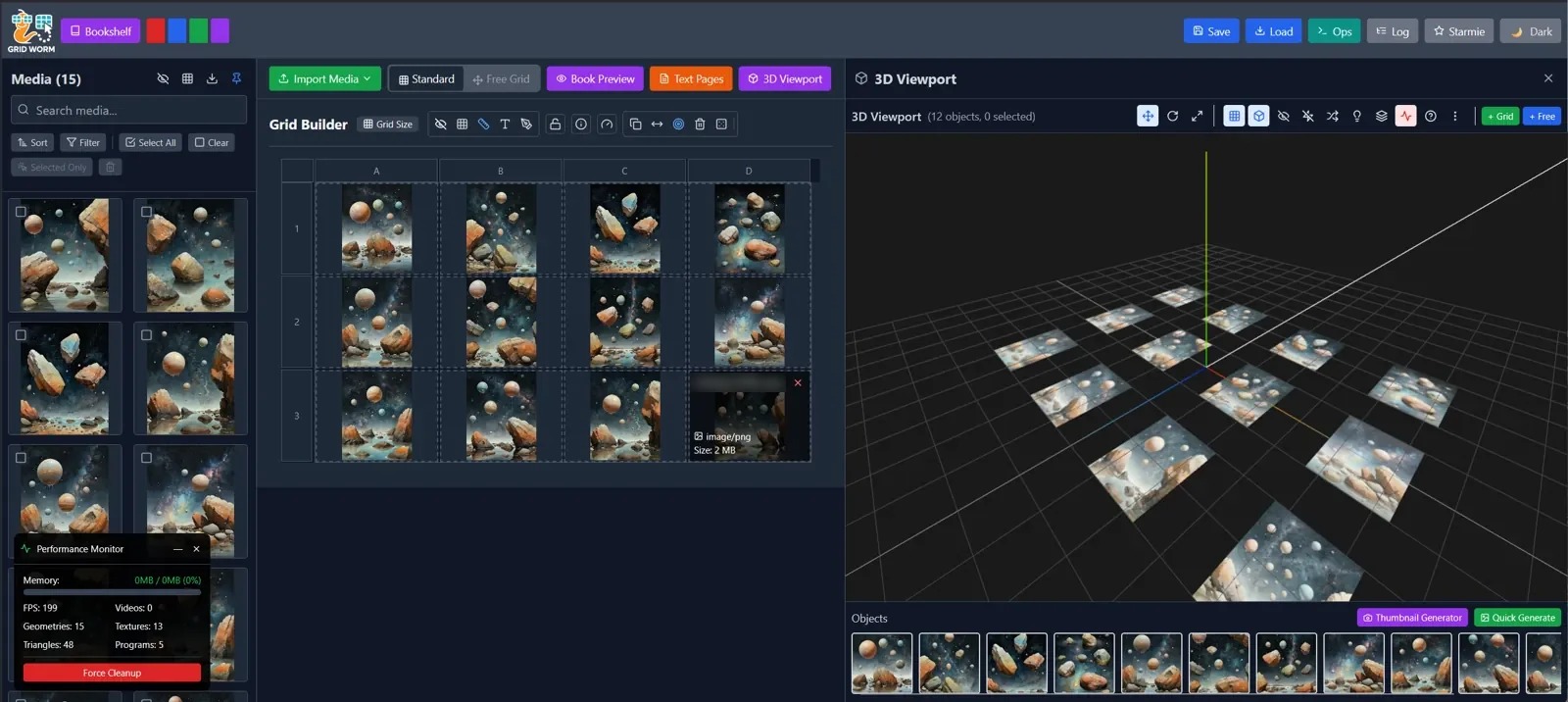
What is left does one thing: take a pile of media, put it in order, and bind it into a book. That was the whole idea at the start.
Tech stack
- React and Vite - the app
- Three.js with React Three Fiber - the book and the bookshelf
- Jotai - shared app state
- IndexedDB (Dexie) - projects and books stored in the browser
- Web Workers - video thumbnails made without freezing the page
- dnd-kit and Tailwind - drag and drop, and styling
On GitHub. The code and a full feature tour. A lightweight online demo is planned: it runs entirely in the browser, so it needs no server.
github.com/emmanuelw21/gridworm